Aimbot
Arma Reforger Aimbot Guide: Tune Before You Queue
A harsh aimbot gets you reported even when BattlEye is quiet. This guide explains adaptive FOV, smooth tracking, silent aim discipline, no-recoil pairing, and how to save weapon profiles in the config system for <a href="https://www.bohemia.net/arma-reforger" target="_blank" rel="noopener noreferrer">Arma Reforger</a>.
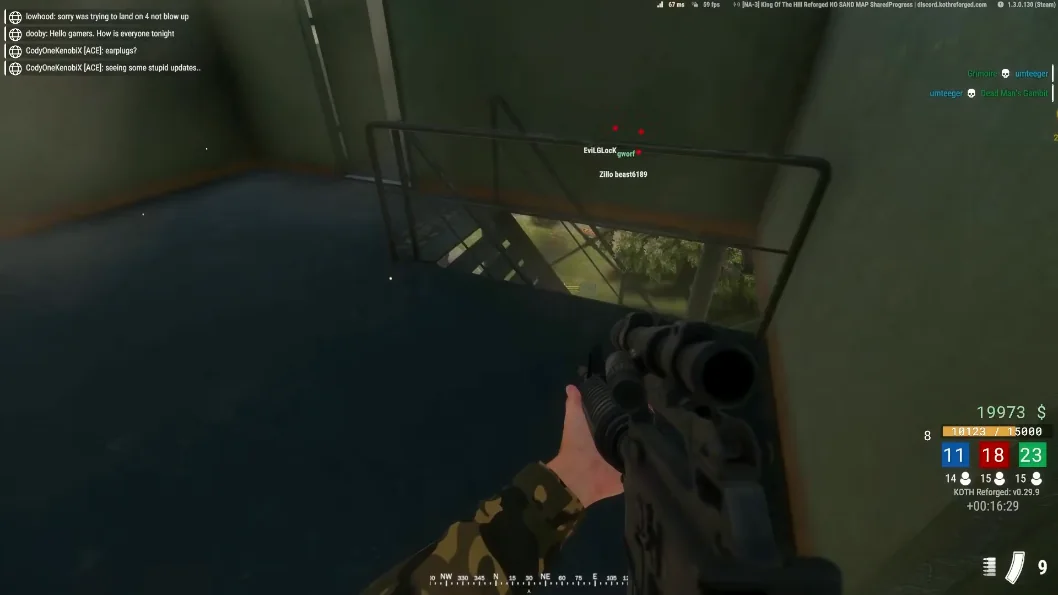
Adaptive FOV and smoothness basics
Adaptive FOV shrinks at long range and expands in buildings — mimicking how your eyes actually track targets. Pair it with smoothness high enough that crosshair movement looks human. If clips look magnetic, reduce FOV before touching anything else.
Technical breakdown: adaptive FOV guide and aimbot page.
Silent aim and no-recoil: when to enable
Silent aim adjusts trajectory without obvious camera snaps — useful for DMR taps, dangerous on full-auto if overused. No-recoil compensates weapon climb; keep it moderate so gun audio still matches what enemies hear.
Read silent aim and no recoil articles. Combine with ESP so you only engage targets you already identified.
Profiles, hotkeys, and patch-day checks
Save assault, support, and sniper profiles in the config system. Bind a disable key for screenshots, streams, or clutch moments where assist would look wrong.
After BattlEye or Bohemia updates, read Updates before loading aim modules. Setup steps: Setup and FAQ.